Updated for 12.1
Stormscale · EU
The UI Behind
Every Pull
I'm Diigii — Shadow Priest, Mythic raider on Stormscale EU, and from Season 2 a Mage instead. What follows is the interface I actually pull bosses with: the addons on my bars, how each one is configured, and the exported profiles you can import in about a minute.
I haven't written any of these addons — I just keep the setup tidy and hand it over. Everything below is free, and it always will be.
What I Actually Run
The Addons On My Bars
Cornerstone of the setup · 2M+ downloads
The Complete Interface
Combines the most intuitive UI editor in WoW with extreme performance optimisation and endless customisation. Unlock mode lets you drag, snap and pixel-align every element without touching a config file.
Fully modular — action bars, unit frames, nameplates, party and raid frames, cooldown manager, Mythic+ timer, skyriding HUD, minimap, quest tracker, bags and more. Each module is standalone, so you run only what you want.
View on CurseForge ↗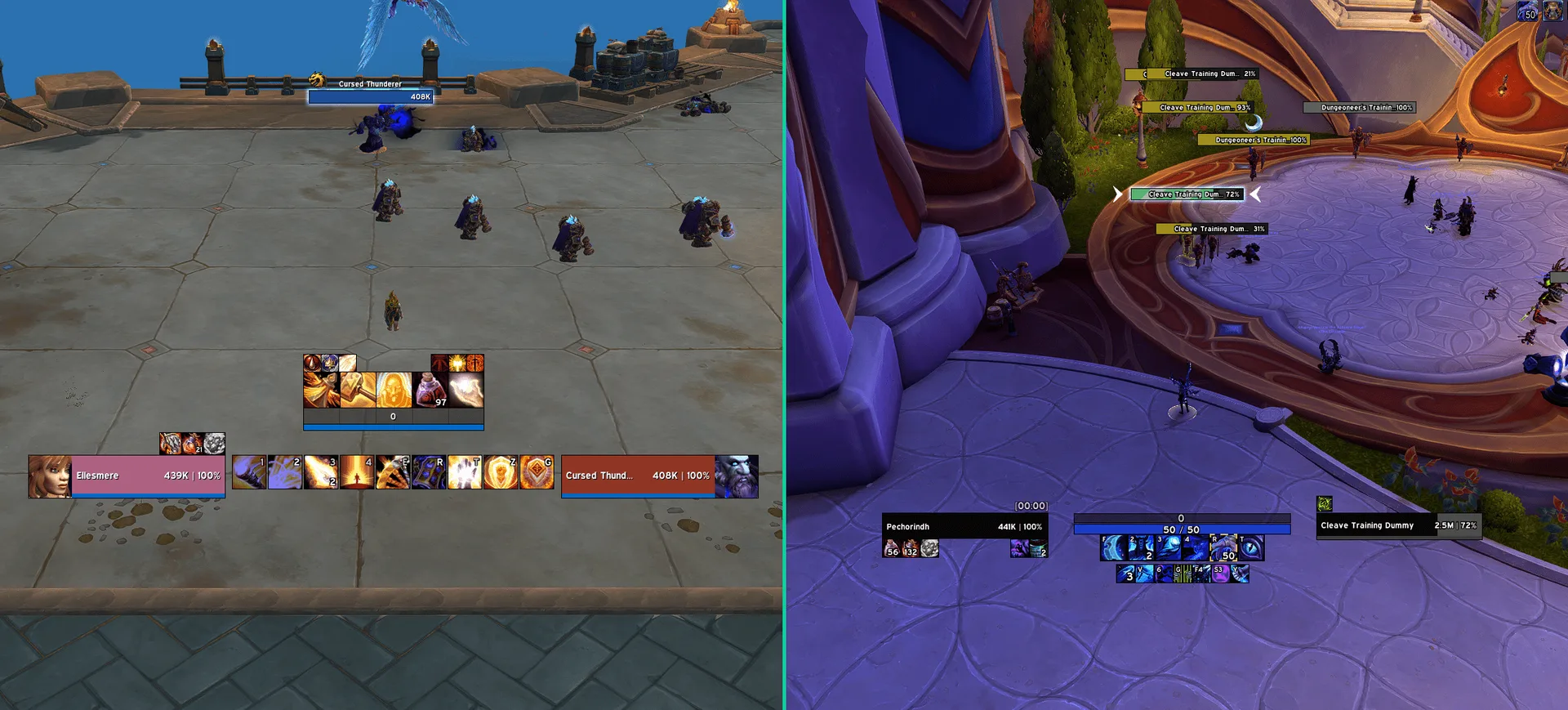
The UI Breakdown
Tap each element to learn how my interface comes togetherHover over each element to learn how my interface comes together
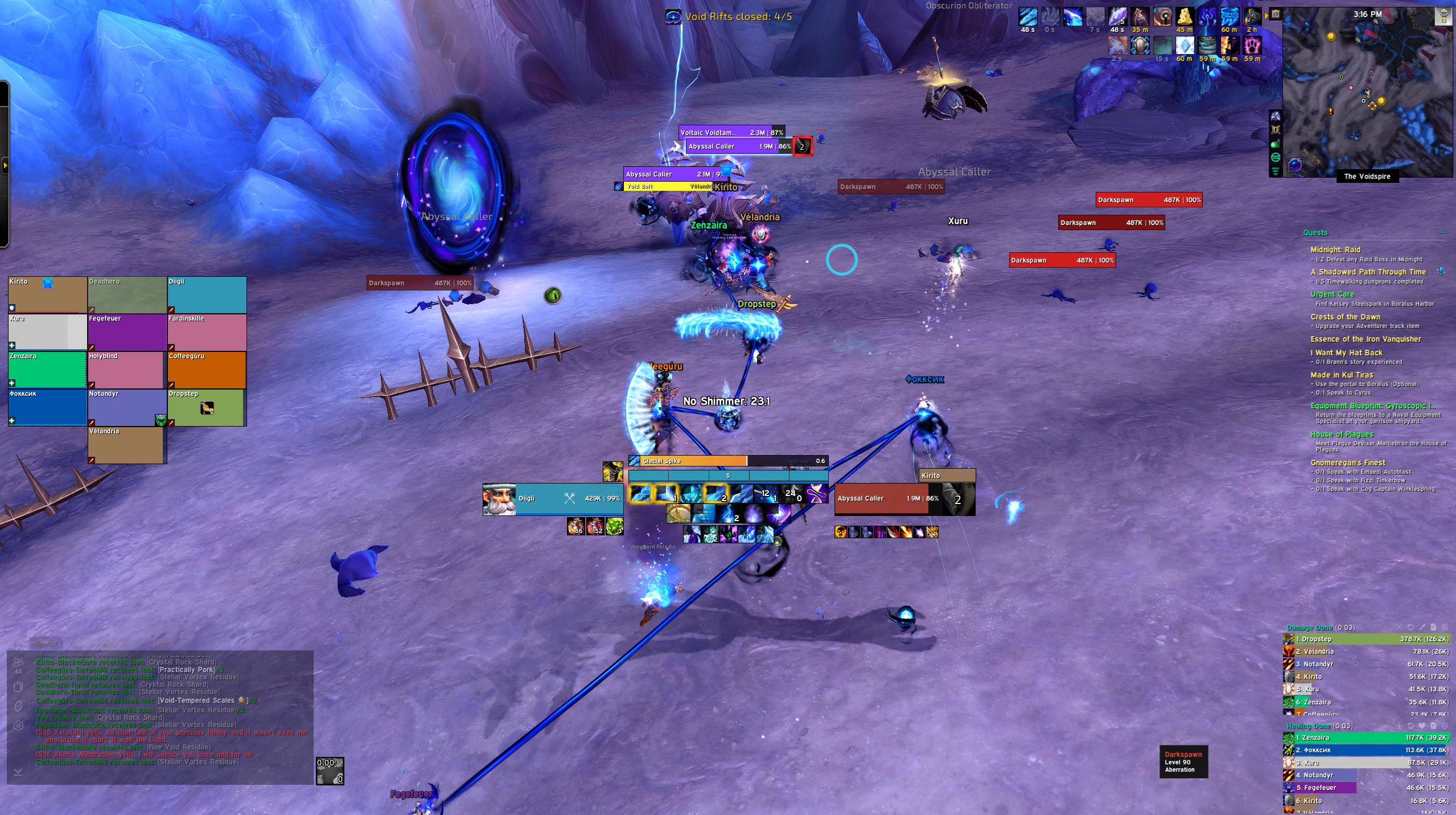
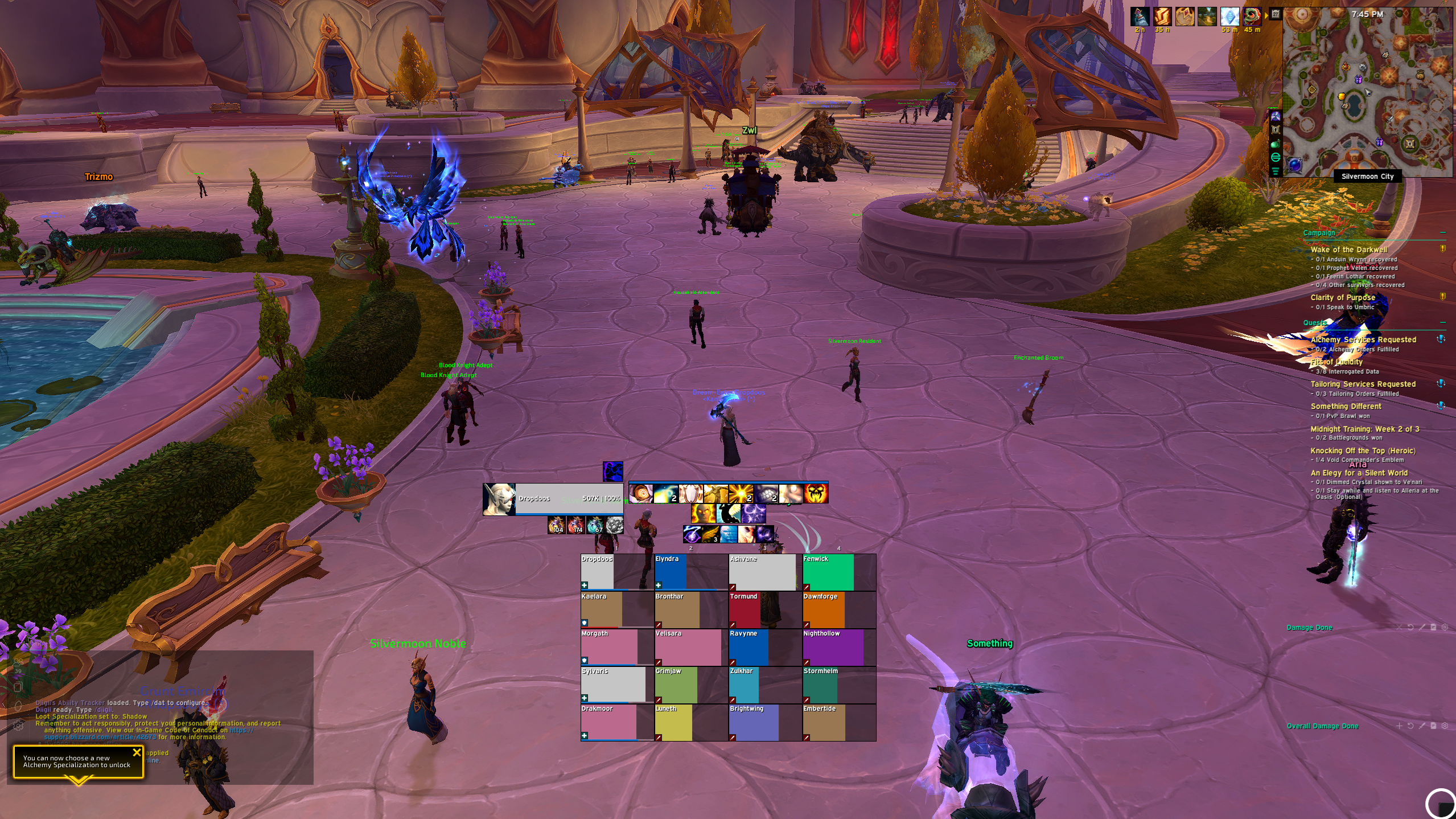
Tap a part of the interface above
UI Setup with DiigiiUI
Forge Your Interface
Four strikes and DiigiiUI is yours. Work down the anvil; each stage tempers to its own colour as the metal takes shape.
Retrieve the addon list
The list is sealed. Its key waits in the Discord.
Head into the Discord and open the | DiigiiUI channel. The password is posted there — copy it and paste it below.
Import it into WoWUP
Pour the string into the mold — WoWUP installs every addon.
- 1Open WoWUP and click the ⋮ button — three dots stacked above each other.
- 2In the menu that opens, choose Import/Export Addons.
- 3Select the Import tab at the top.
- 4Paste the string you copied in the previous stage.
- 5Click Import — WoWUP pulls in every addon and DiigiiUI itself.
Invoke it in-game
Run /diigii, pick your resolution, import the whole layout.
/diigii- · Pick your resolution to match your monitor.
- · Grab the Edit Mode profile if you skipped it.
- · Import Full UI, or Start Wizard to pick profiles.
Choose a font
A finishing touch, not a requirement — DiigiiUI works perfectly on WoW's default typeface. Swap it whenever you feel like it.
Unzip into World of Warcraft\_retail_\Fonts\